
Controls for Semi-Automatic Tube Bending Machines
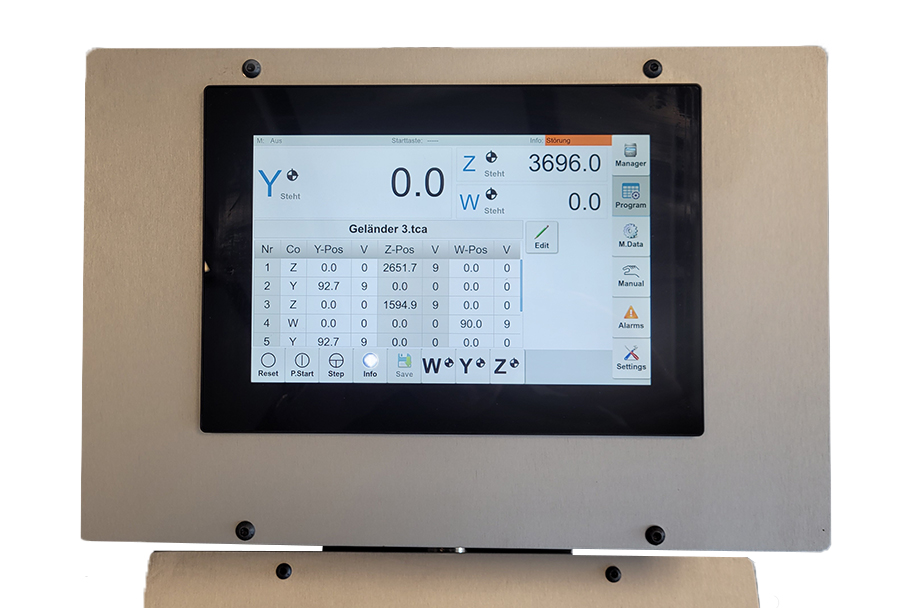
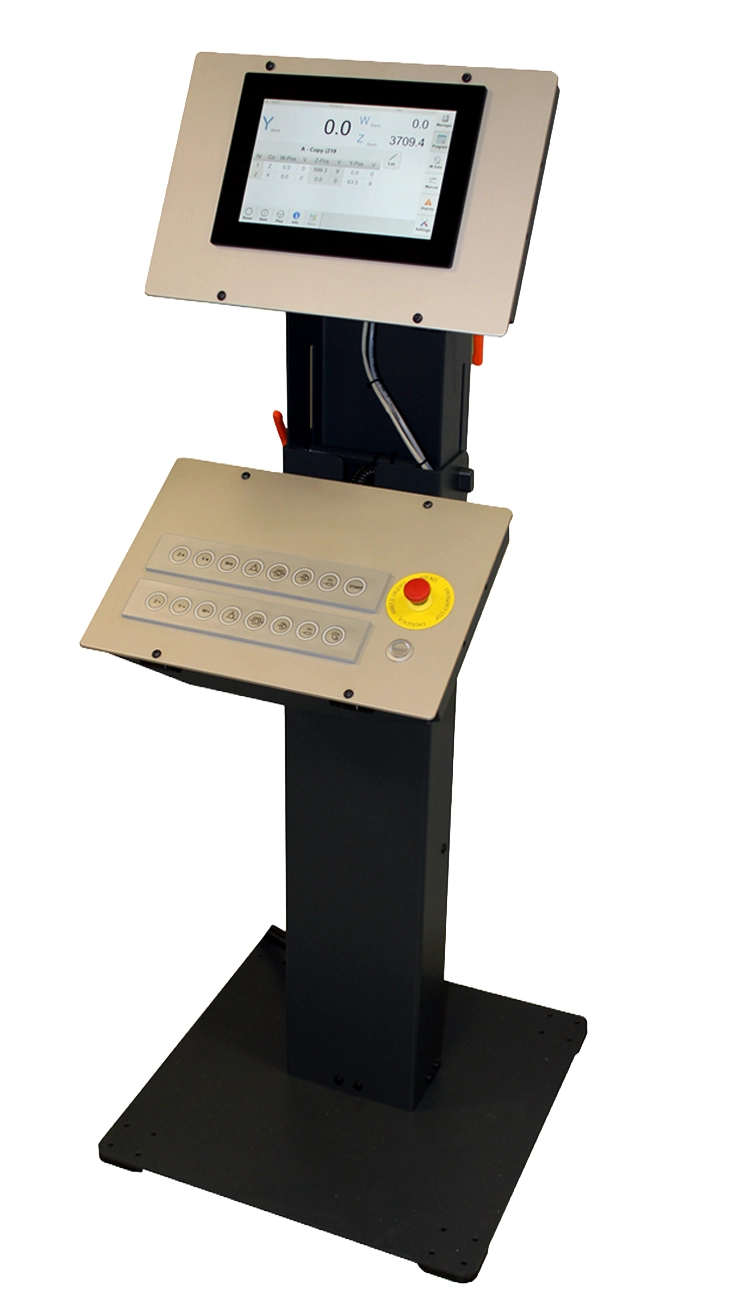
Control Terminal – NCS
With the Power Panel T50, you can create and manage bending programs directly on the machine. The control system features a large 10.1″ color touch display, a clear interface, and an intuitive operating concept.
Bending programs can be entered directly on the terminal by inputting bending angles, stop lengths, and tube rotation.
With the Thoman 3D Assistant, you create your tube geometry on an external PC and transfer it online or via USB to the machine control.
Features:
- NC Control Terminal with 10.1″ Touch Display
- Creation of bending programs for 1–3 axes by entering target positions
- Convenient and web-based program interface
- Program management: approx. 1000 programs with 60 sentences each
- Interface to Thoman 3A Assistant (Ethernet; USB)
Control Terminal with Panel PC 2200
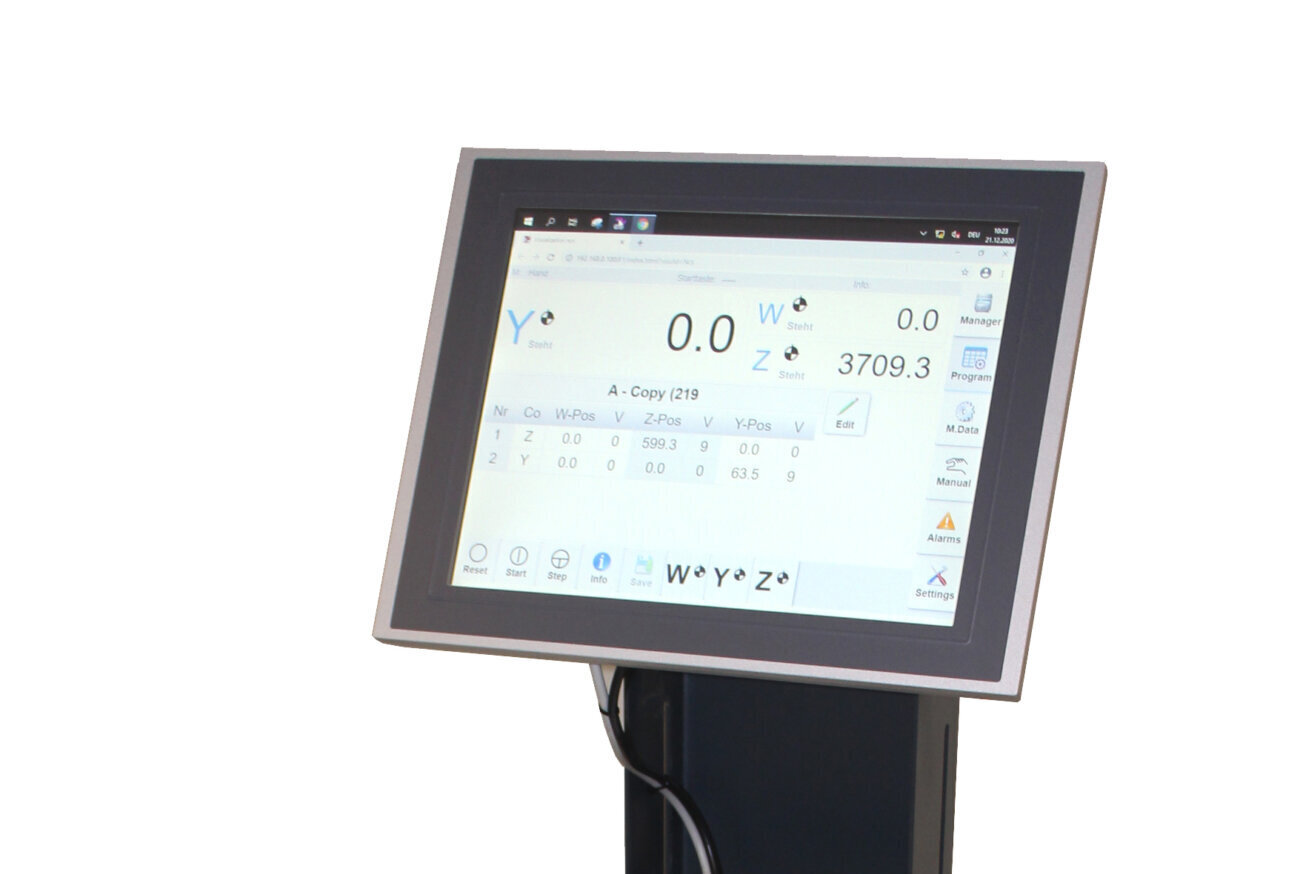
The operating terminal with Panel PC 2200 allows the installation of the Thoman 3D Assistant directly on the machine’s control terminal.
The 3D bending contour is created and graphically displayed by entering the isometric data X/Y/Z. The NC control program for the bending machine is automatically generated and can be executed directly. Corrections to bending angles or lengths can be made directly in the 3D Assistant.
An external laptop or PC is not required.
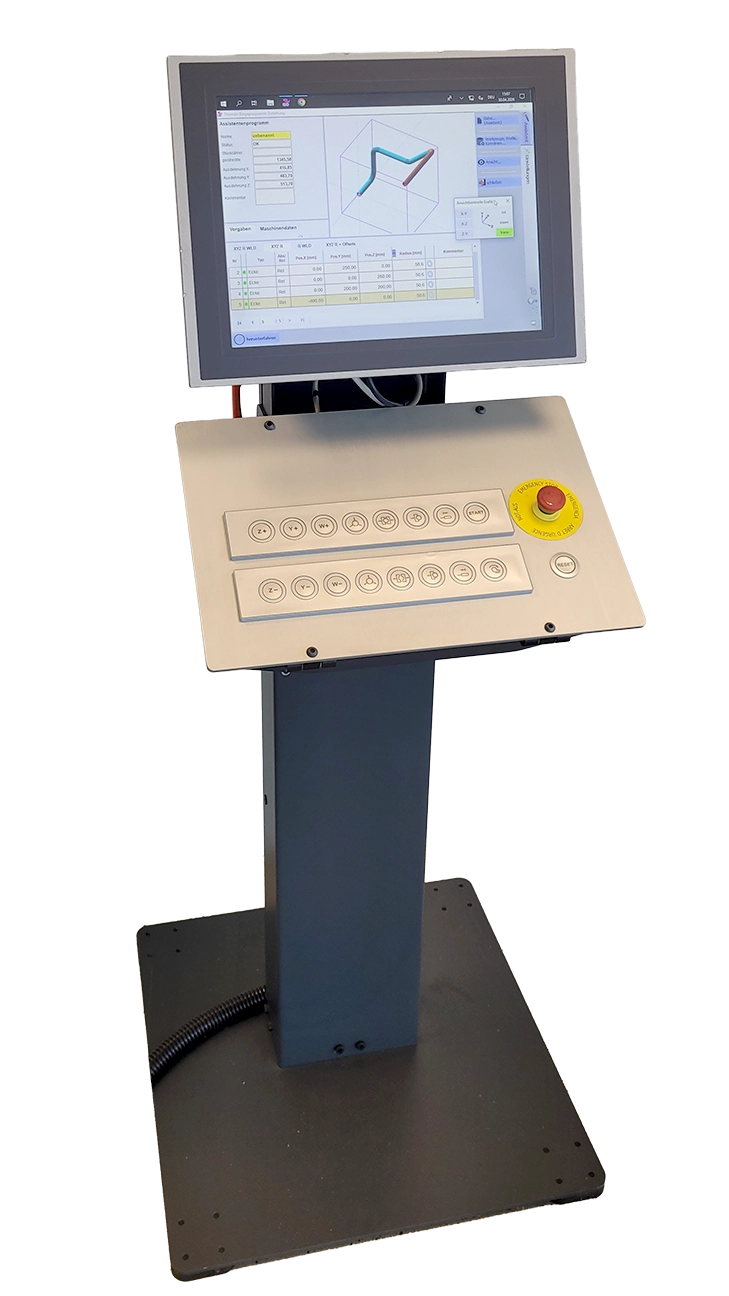
Features:
- NC Control Terminal with Windows PC and 15″ Touch Display
- Create and Manage Bending Programs with Thoman 3D Assistant
- Display adjustable in height and tilt angle
- Remote Support via TeamViewer
3D Tube Bending Software for NC-Controlled Tube Bending Machines
Thoman 3D Assistant for NC-Controlled Tube Bending Machines
With the Thoman 3D Assistant, you can create your tube geometry quickly and conveniently. The software supports the programming of intersection coordinates as well as LWD data. The bending contour is built up and graphically displayed directly upon input. Input errors can be immediately recognized and corrected.
The NC control program for the bending machine is automatically generated and can be transferred online to the machine control.
The software has an interface for older machines with PP41 control.
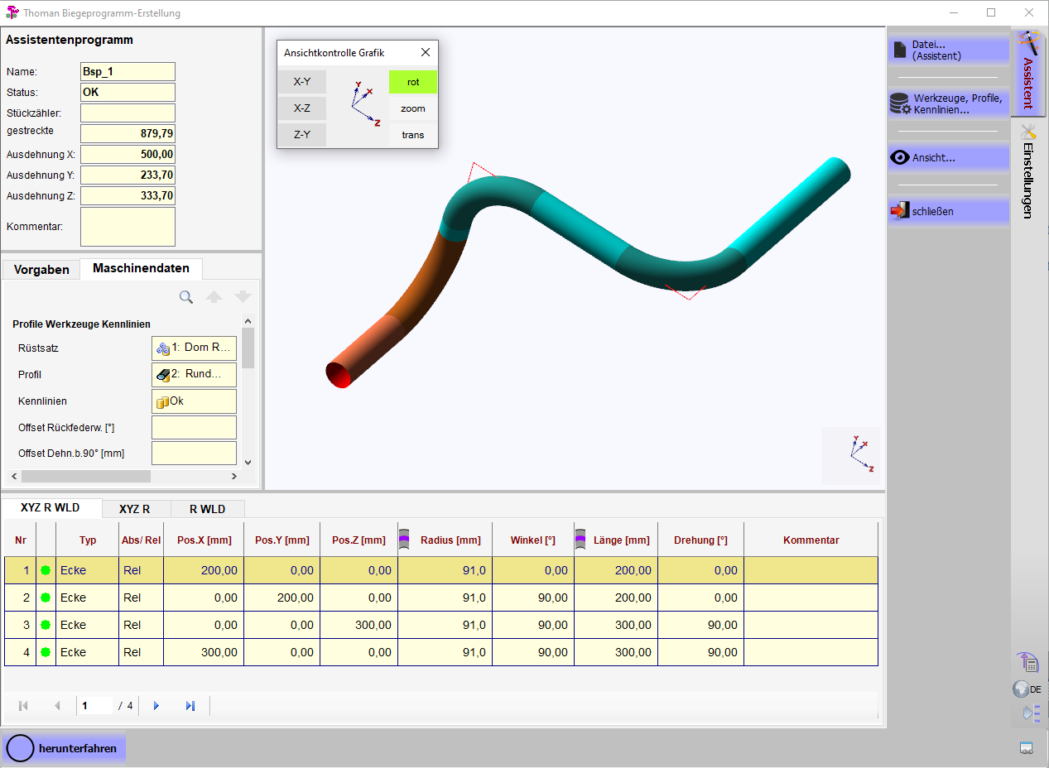
Features:
- User-friendly operation
- Input and calculation of tube paths by entering intersection coordinates or length, angle, and rotation
- 3D display of the bending contour
- Rotate, zoom, as well as 3D display or 2D display in XY / XZ / ZY
- Automatic program generation (G-code) by the assistant
- Automatic calculation of correction and overbend values
- Easy correction using offsets, angles, and lengths
- Import interfaces for Iges, Step or measuring machines (optional)
- Manage setup kits, tools, and tubes in the database